What is Claude? A plain English tour of Claude, Cowork, Design, and Code

James
Co-founder of Smash Your AI, heavy daily user of Claude since 2023, middle leader at a large UK ed tech company.
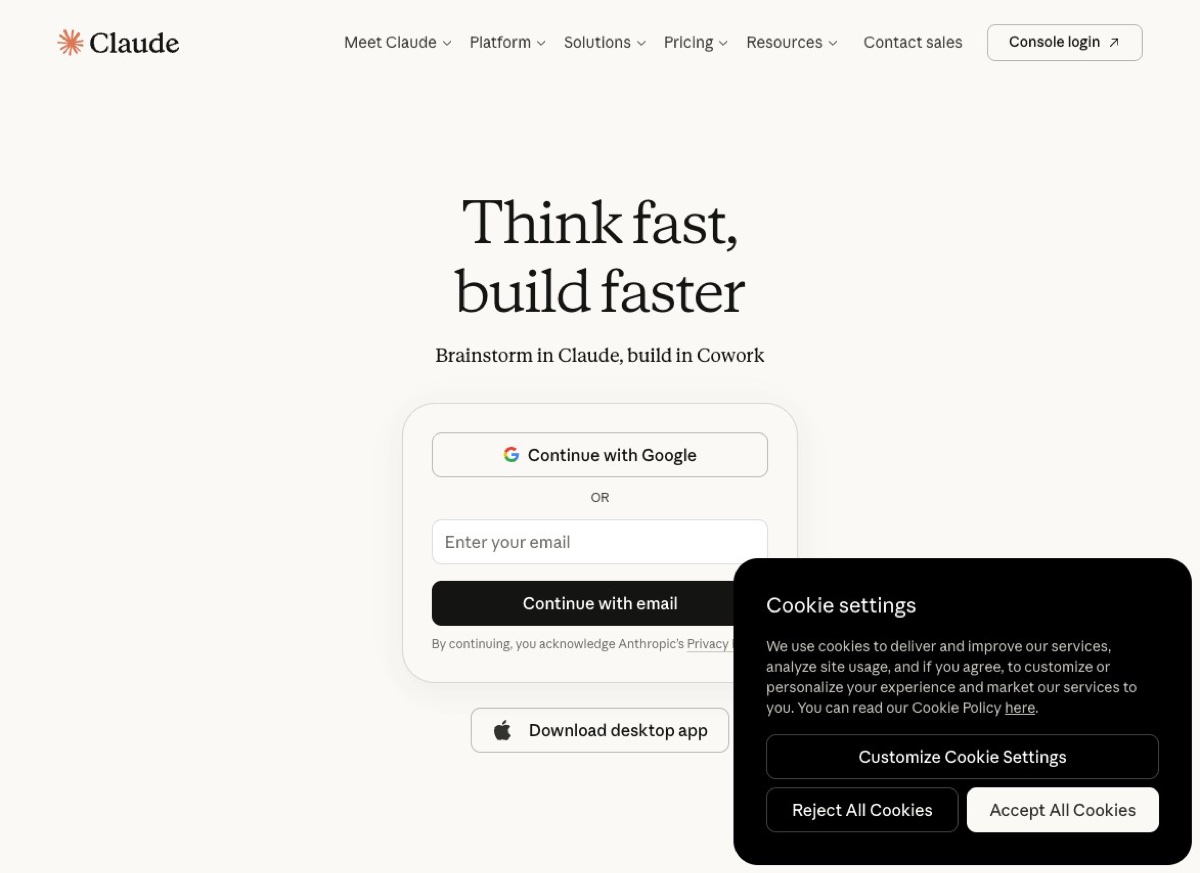
Claude's homepage, April 2026. Source: claude.ai.
Almost everyone I talk to has heard of ChatGPT. Maybe 30% have heard of Claude. And when I mention "Claude Code" or "Claude Cowork", it is usually blank looks all round.
Which is a shame, because Claude has quietly become one of the most interesting AI products out there. And Anthropic (the company behind Claude) has just shipped three new products in the last two months that most people have no idea exist.
So here is the guide I wish someone had sent me six months ago. What Claude is, what its four main products actually do, and which one (if any) you should be using.
Quick context: who makes Claude?
Anthropic is the American AI company behind Claude. It was founded in 2021 by former OpenAI researchers (including Dario and Daniela Amodei) with a focus on AI safety. Today they are ChatGPT's main serious rival, with billions in funding from Google and Amazon, and an AI model that many professionals now prefer over OpenAI's.
The Claude family of products has grown quickly. Here are the four you should know about.
1. Claude (the chatbot)
The one most people mean when they say "Claude". It is an AI chatbot, very similar to ChatGPT, that you can chat to at claude.ai.
You type what you want, Claude writes a response. You can upload documents, images, and code. You can have long conversations, get help with writing, brainstorming, analysis, summarising, translation, teaching, planning, and more or less anything else you might do with ChatGPT.
Why some people prefer Claude to ChatGPT:
- Writing style feels more natural and less "AI-assistant" than ChatGPT. Many writers swear by it.
- Stronger on long documents. Claude can process huge amounts of text at once (up to 1 million words in a single chat on some plans).
- Better at following complex instructions and nuanced tasks.
- Generally seen as more honest about what it does not know.
Why some people prefer ChatGPT:
- More features for casual use (voice, image generation, shopping, etc.).
- Much bigger user base, so more tutorials and community prompts.
- Stronger mobile app and wider brand awareness.
I use both. Claude tends to win for writing, research, and long document work. ChatGPT tends to win for speed, casual queries, and image generation. If you want the full comparison, read our ChatGPT vs Claude vs Gemini guide.
2. Claude Cowork
This is the one most people have not heard about, and it is a big deal.
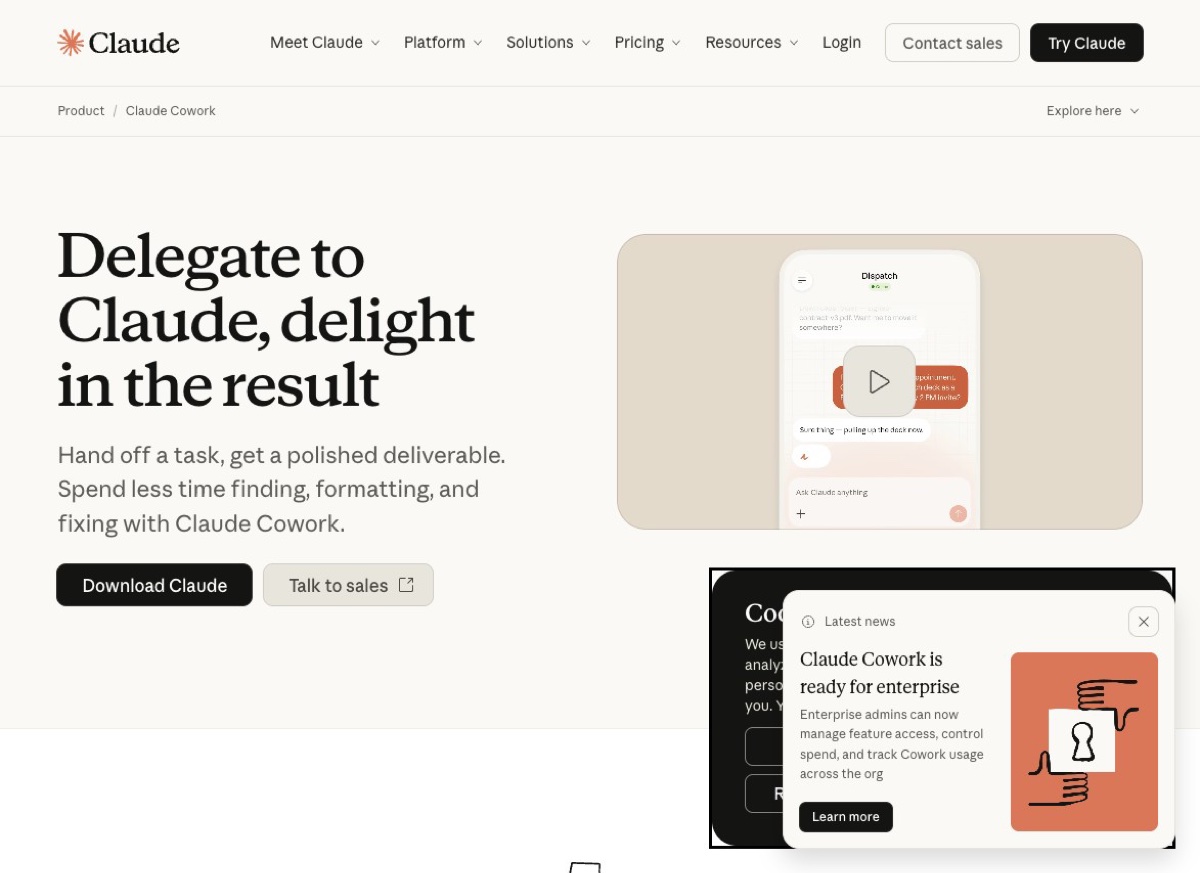
Claude Cowork product page. Source: claude.com/product/cowork.
Claude Cowork launched as a research preview in January 2026 and has been steadily rolling out. The idea is simple: instead of chatting back and forth, you delegate a whole task to Claude and come back to a finished result.
Think of it as a junior colleague you can hand work off to. You say "pull together a competitor analysis for our three main rivals, write it up as a 5 slide summary for the leadership team, and flag anything that needs our attention". Claude Cowork goes away, works on it for a few minutes, then hands you back the deck.
What Cowork does that the regular chatbot does not:
- Connects to your real tools. Google Drive, Gmail, Notion, Salesforce, DocuSign, Slack, and more. It can read your actual documents and emails (with permission) to complete tasks.
- Works in the background. You can give it a task and walk away. It figures out the steps and does the work.
- Produces real deliverables. Spreadsheets, slide decks, reports, presentations. Not just text in a chat window.
- Plays well with teams. Designed for offices where multiple people hand work to the same AI colleague.
Who should try Cowork? Knowledge workers who spend a lot of time on research, reports, data pulling, and cross-tool workflows. If your job is "find information, combine it, write it up" then Cowork is built for you.
You need a Claude Pro or Team subscription to access it. The tagline Anthropic uses is perfect: "Delegate to Claude, delight in the result".
3. Claude Design
Launched on 17 April 2026. The newest product in the family.
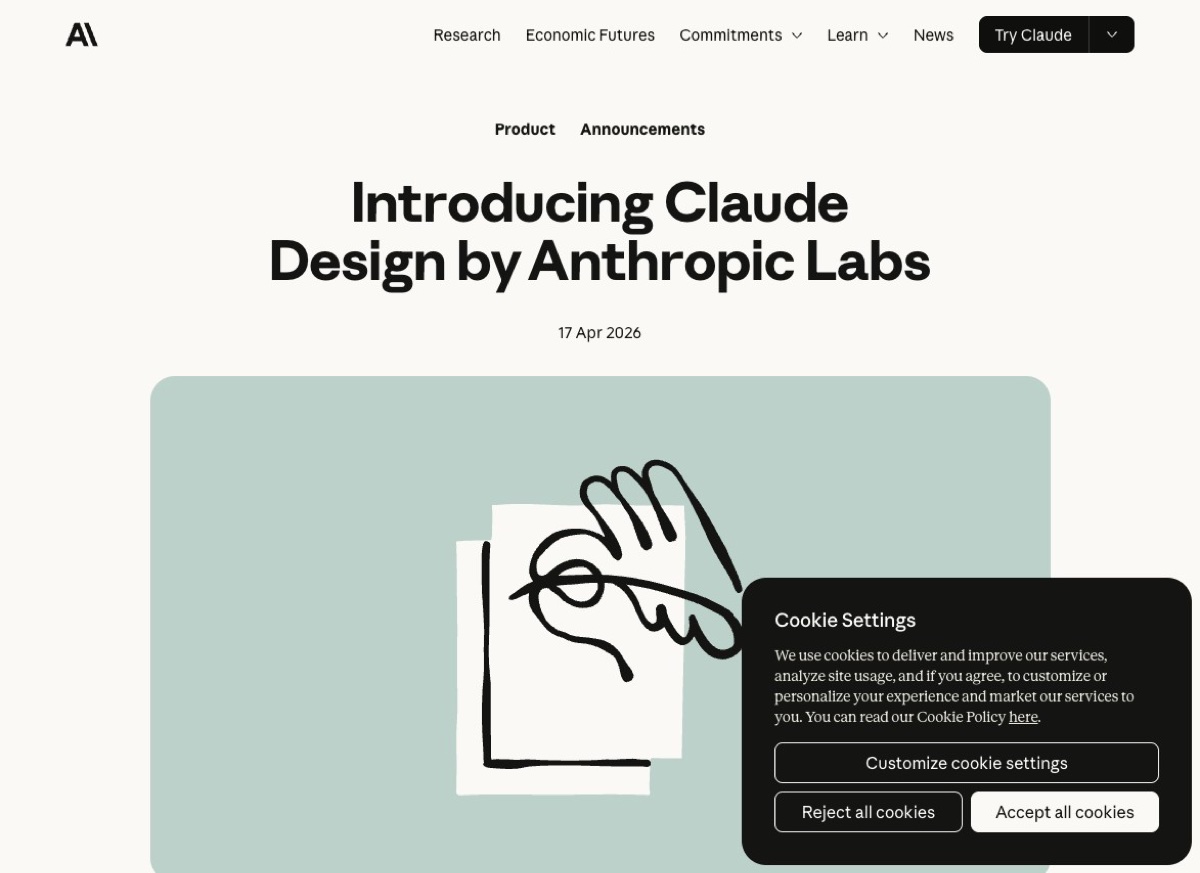
Claude Design launch announcement, 17 April 2026. Source: anthropic.com.
Claude Design is for making visuals. You describe what you want (a pitch deck, a one-pager, a landing page, a diagram, a social media image) and Claude creates the whole thing in minutes.
You can then edit it, ask for changes, and export the result. It is not just generating an image. It builds actual working layouts with headlines, supporting text, and proper hierarchy.
What Claude Design is brilliant at:
- First drafts of pitch decks, one-pagers, and flyers.
- Quick prototypes of product landing pages.
- Process diagrams and simple infographics.
- Branded social media templates.
- Saving hours on "just make me something I can show the team"
What it still struggles with: Pixel-perfect brand polish, long multi-page documents, and keeping 20 pieces of content looking like one family. For those, pair it with Canva or Figma for the final finish.
I have written a much fuller review of Claude Design here: Claude Design: the new AI tool that could replace your designer.
CONFUSED BY ALL THE AI TOOLS?
Our online course sorts it out in an afternoon
Clear, plain-English walkthroughs of Claude, ChatGPT, and Gemini. Know which to use, when, and how to get great results. Perfect for beginners.
View the course4. Claude Code
This one is for developers, but even if you are not a coder, stick with me for 30 seconds, because it explains where Anthropic is heading.
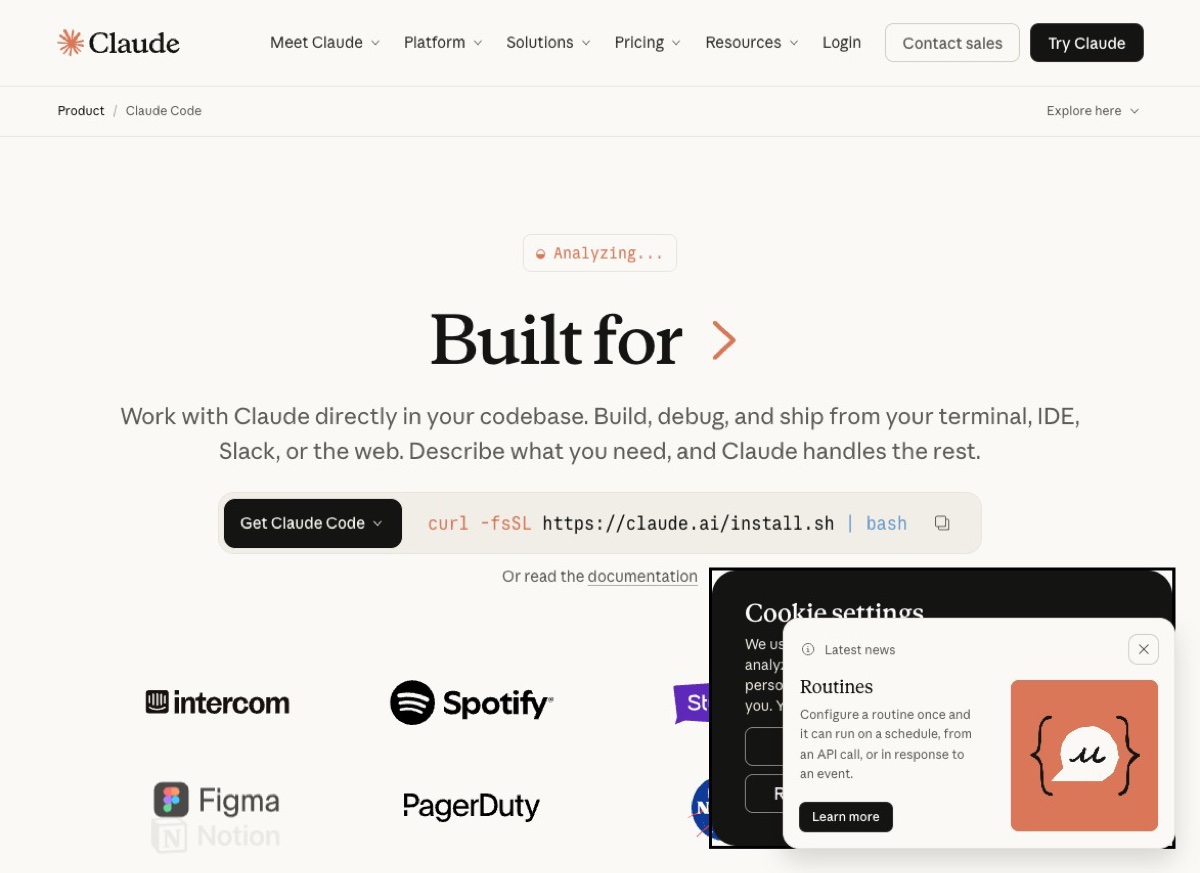
Claude Code product page. Source: claude.com/product/claude-code.
Claude Code is Anthropic's AI coding assistant. It lives in your terminal, understands your codebase, and helps developers build, fix, and ship code faster. You type what you want in plain English, and it edits real files, runs real commands, and does real engineering.
As of February 2026, Anthropic reported that about 4% of all code commits on GitHub (roughly 135,000 every single day) are now written by Claude Code. That is a staggering number.
Why this matters even if you are not a coder:
- This is the template Anthropic is applying to everything else. Cowork is "Claude Code, but for knowledge workers". Design is "Claude Code, but for visuals".
- It shows where AI is heading: not "AI chat" but "AI that actually does the work for you".
- For business owners with tech teams, Claude Code is rapidly becoming the standard tool. If your engineers are not using it, they soon will be.
Last week (14 April 2026) Anthropic released a major update to Claude Code adding "Routines" (scheduled AI tasks) and a redesigned desktop app. The pace of development here is extraordinary.
Which one should you use?
Here is the simple decision tree.
If you want a better ChatGPT
Use Claude (the chatbot). Free version is excellent. Pro at about £15 a month unlocks the big stuff.
If you want to delegate real work tasks
Use Claude Cowork. Best for research, reports, pulling data from multiple apps. Needs Pro or Team.
If you need to make decks, one-pagers, or visuals
Use Claude Design. In research preview for Pro, Max, Team, and Enterprise subscribers.
If you write code
Use Claude Code. Command line tool, works with your existing IDE. Included in Pro and higher plans.
How much does it all cost?
Anthropic's pricing (as of April 2026):
Free
Limited daily use of Claude. Perfect for trying it out.
Pro (~£15/month)
Unlimited Claude, access to Cowork and Design, use of the latest models. This is the plan I recommend for most serious users.
Max (~£80/month)
Much higher usage limits. Useful if you are hammering Claude Code every day, or doing heavy research.
Team and Enterprise
Shared across a team with admin controls. Priced per user. Contact Anthropic for a quote.
Current pricing details are at claude.com/pricing.
How to get started today
If you have read this far and want to give Claude a go, here is the fastest way in.
- Go to claude.ai and sign up with your email or Google account.
- Try it on a real task. Paste in an email you need to write. Ask it to summarise a long document. Have it explain something you have always found confusing.
- Compare it with the same task in ChatGPT or Gemini. Notice which output you prefer.
- If you find yourself reaching for Claude more than ChatGPT after a week, upgrade to Pro to unlock Cowork and Design.
I would strongly recommend using both Claude and ChatGPT side by side for a while. It is how you work out which one suits your style. They are both genuinely excellent at this point, and they each have real strengths.
Why Claude matters in 2026
Here is the bigger picture.
In 2023 and 2024, ChatGPT was the only serious AI chatbot most people knew about. That is no longer true. Claude has become the preferred tool for a lot of professionals who care about writing quality, long document handling, and complex tasks. And Anthropic is shipping new products faster than OpenAI.
The four products I have walked through in this post (Claude chatbot, Cowork, Design, Code) represent a genuinely different vision for what AI should do. Not "chat with AI", but "hand work to AI and get results back". That shift is huge.
If you only learn one AI tool this year, make it ChatGPT. If you learn two, make the second Claude. Between them, you will cover 95% of what anyone needs AI for in 2026.
If you want a structured way to learn both, our online course covers Claude, ChatGPT, and Gemini with practical exercises for each. Built for complete beginners, no technical background needed.